
Founder’s note
Why I built CatchIt: my saved things were everywhere
Notes in several apps, links in self-chats, receipts in photos. The personal problem behind CatchIt, and a simpler way to save, find and share again.
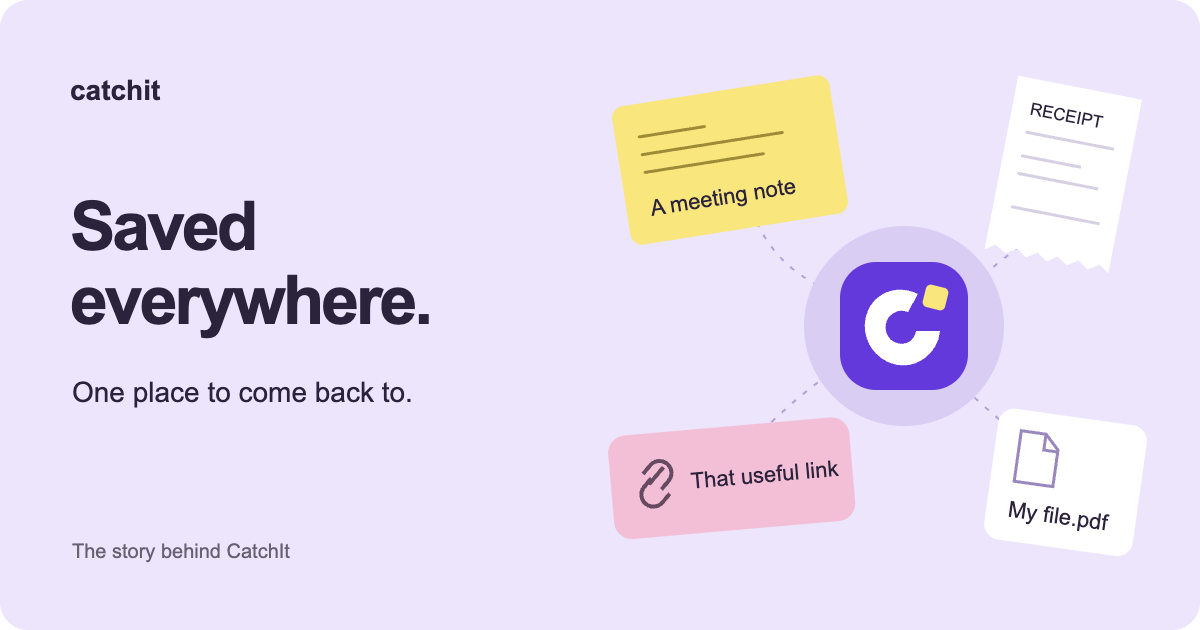
I built CatchIt because I kept losing track of things I had already saved.
Not because they were deleted. They were usually still there, in one of the apps I used every day. I just had to remember which one.
Some notes went into OneNote. Others went into Google Keep or Apple Notes. Links I wanted to send often lived in my WhatsApp self-chat. Work references ended up in Teams, sometimes pinned, sometimes sent to myself. Photos of receipts went into Google Photos in case I needed them for a warranty claim.
That mixture worked well enough when I was saving something. It became frustrating when I wanted it back.
Saving was easy. Remembering where was the work.
I didn’t sit down and choose this system. It grew one small decision at a time. The nearest app became the place to put something: a chat that was already open, a note I had used yesterday, the photo library on my phone.
Your combination might look different. You might email yourself a document, bookmark a page in Chrome, keep an idea in Slack or save a file to a cloud drive. The familiar part is having several places to check when you need one thing.
CatchIt is the personal app I’m building to give useful notes, links, photos, audio and supported files one place to land, so they’re easier to find and share again.
Some things are saved because I’ll need them again.
There’s a particular kind of link I send over and over. Keeping it in a chat with myself meant opening the chat, finding the right message and forwarding it. Files I needed repeatedly had a similar journey.
A receipt has a longer gap between saving and needing it. I take the photo while buying something, then may not think about it again until there’s a problem. By then, it’s surrounded by unrelated photos.
These are the moments I want CatchIt to help with: keeping the link ready, recognizing the right file, finding that receipt photo and sending it to the place it’s needed. A saved receipt is a reference I can find again; it doesn’t determine what a warranty provider will accept.
I don’t want another filing system to maintain.
I’m not a particularly organized person. I still want my things to be organized enough that I can find them.
Asking me to choose a folder, invent the perfect title and keep a neat hierarchy every time I save something would recreate the problem. I want to put the thing in first. Helpful organization should support that habit, without becoming another task.
That’s why CatchIt’s first release centers on a simple library, optional tags, readable previews and pins for the things used most often. Automatic help should make retrieval easier while leaving the original content and the user’s choices intact.
Sometimes I remember when, not what it was called.
I might not remember a note’s title, but I remember the meeting. Or I know roughly which week I saved a file.
That is where the timeline came from. Browsing by when something was saved gives me another route back when I don’t have the right search word. It sits alongside keyword search and pins, rather than asking me to remember one perfect way to find everything.
The date is the save date. It isn’t a claim that CatchIt knows when the meeting happened or when I bought something. You can try the word, date and pin examples on the homepage.
I want the same familiar place across devices.
My main devices are an iPhone and a MacBook. I also use an Android phone and a Windows PC. Moving between them is part of why I want a consistent home for the things I keep.
That is the long-term direction. The launch starts with iPhone, iPad, and Android phones and tablets, followed by a Chrome extension. Native desktop apps and a standalone consumer web app are later work.
Account-based sync will connect supported devices. Things saved in device-only guest mode stay on that device unless you choose to move them to an account. CatchIt also won’t automatically collect everything from your other apps: you choose what to save.
A small beginning: save, find, share again.
I’m building around this everyday problem, with a small first release. I want a place to put something useful, a few clear ways to find it, and an easy way to share it again.
CatchIt hasn’t launched publicly yet, and there isn’t a launch date to announce. If this sounds like a problem you have too, you can request early access. Email is required; a phone number is optional. An invitation will depend on availability.
I started this because my own saved things were scattered. I want saving something to mean I can actually come back to it.